
Follow these easy steps:
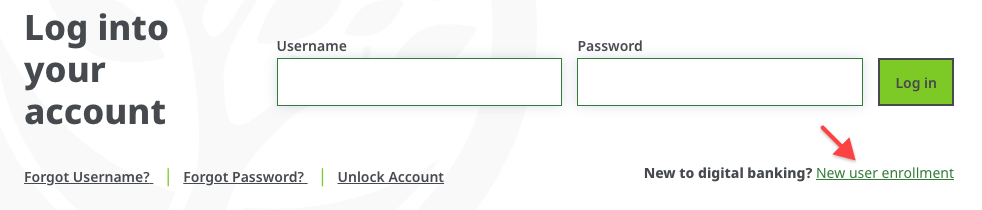
1. From our homepage at www.GreenState.org, click Log In then New user enrollment.
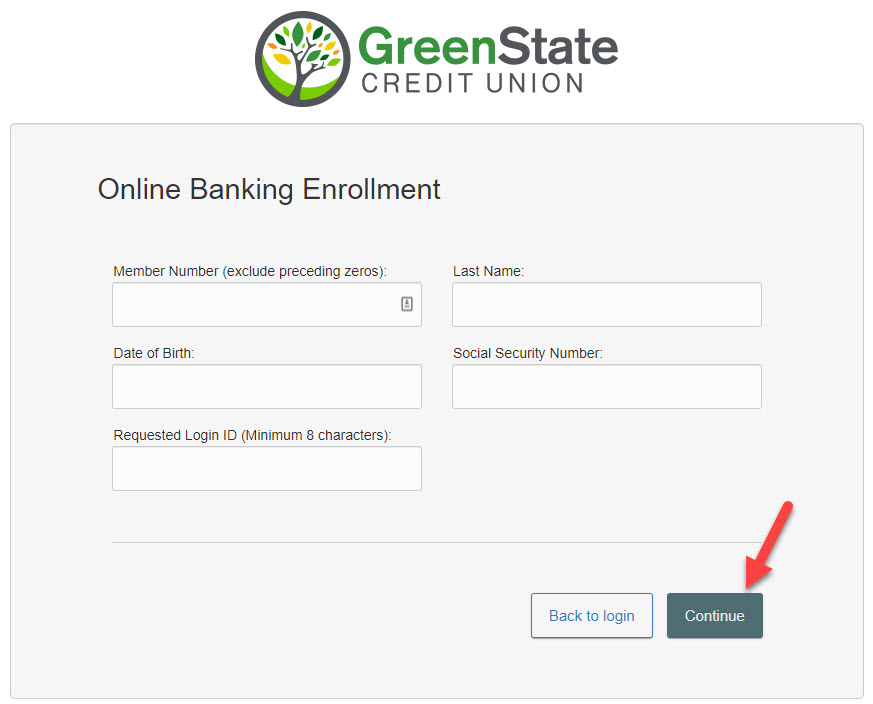
2. This opens the Online Banking Enrollment account verification screen. Enter all the required information and click Continue.
3. A new browser window will open congratulating you for having successfully enrolled in Online Banking. Make note of your temporary password, you will need it to log in to complete the enrollment process. Follow the Click Here link to continue with the log in process.
4. You will be directed to a page where you are to select the delivery method of your Secure Access Code (phone, text, or email message).

5. When you receive your Secure Access Code, enter it in the access code screen and click Submit.
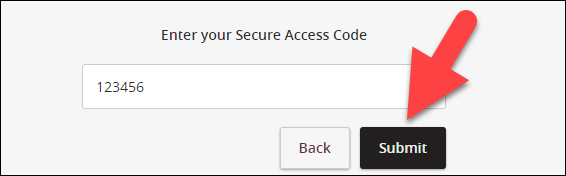
Note: The secure access code is valid for only 15 minutes. If it expires, you must request a new one.
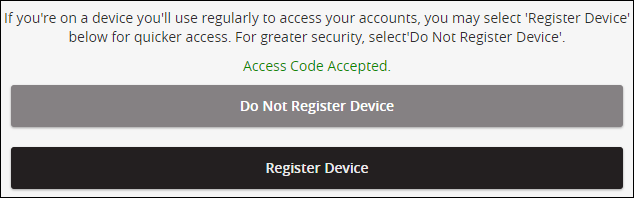
6. Once your access code has been accepted, you will be asked if you would like to register your device. If you register your device, you will not have to generate a new secure access code when you use that device in the future.
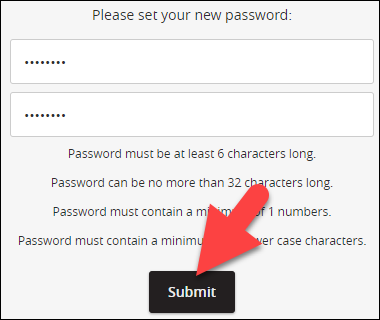
7. Now you can change your password. Use your temporary password as your old password. For your protection, you will need to create a password that meets the stated security requirements. Click Submit. When the pop-up window appears, click OK to confirm.
8. A view-only online profile screen will appear for your review. It will be grayed-out and you cannot make any changes at this point. However, please note any contact information that you would like to change in the future. Once you have accessed Online Banking, you will be able to use the Update Personal Information screen to make corrections. Click Submit then OK to continue.
9. Review the welcome first time user screen, which presents the Online Banking Services Agreement. Read and acknowledge that you agree to the conditions by clicking, I Accept.
10. Congratulations! You are now logged in to Online Banking.