
1. Login to the Online Payment Center
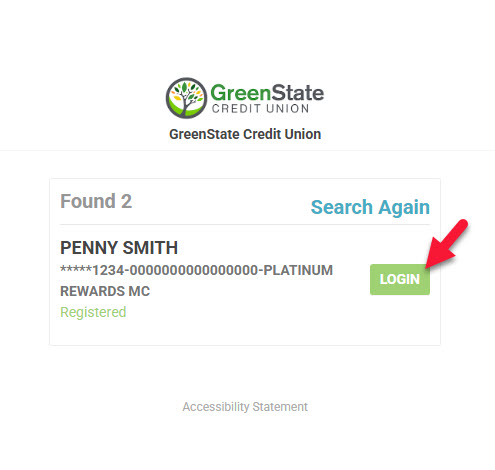
2. Choose the loan you wish to pay by selecting LOGIN
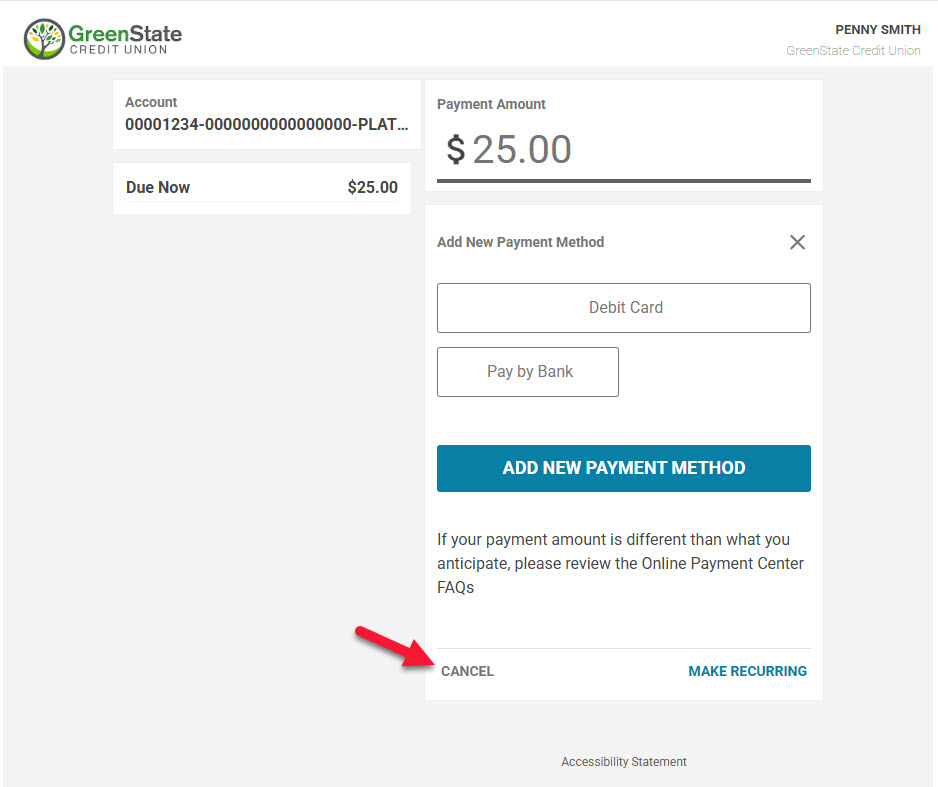
3. Select Cancel to navigate to the main screen
. 
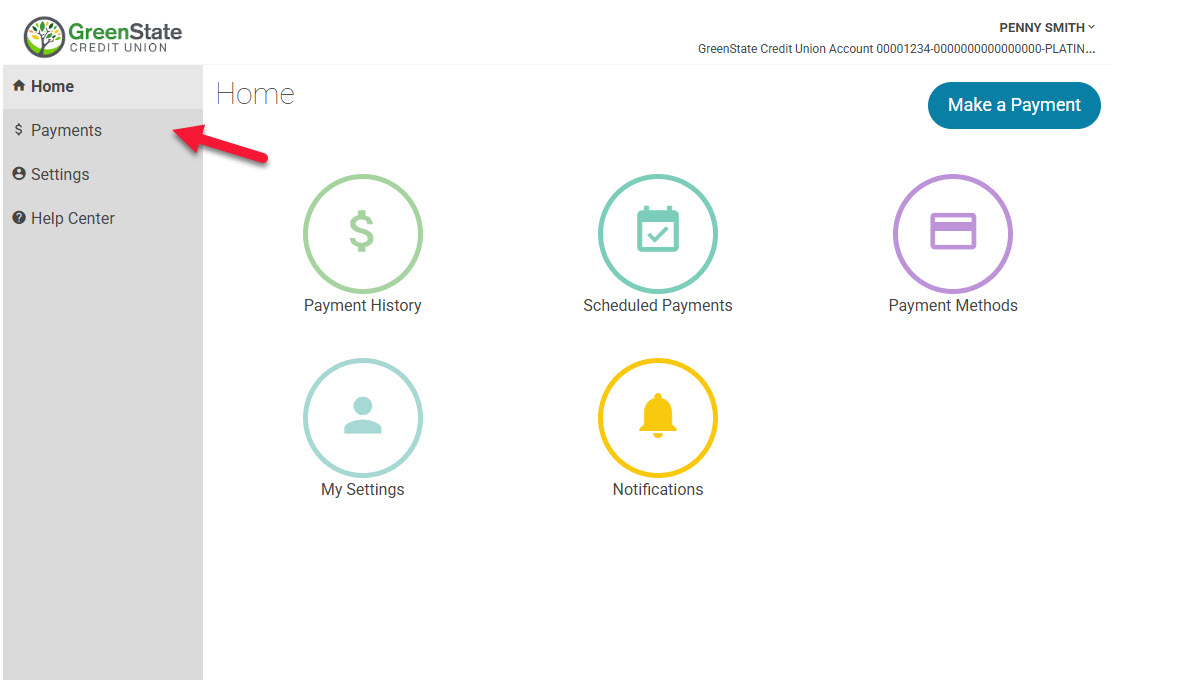
4. Select Payments
. 
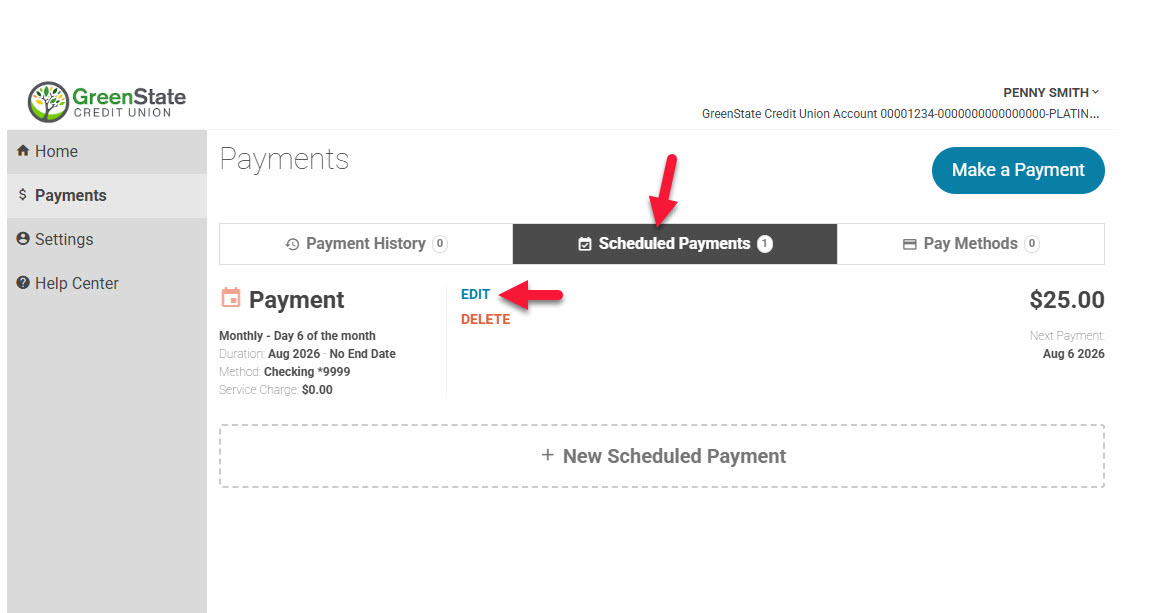
5. Select Scheduled Payments and then Edit
. 
6. Make necessary changes and select Edit Scheduled Payment
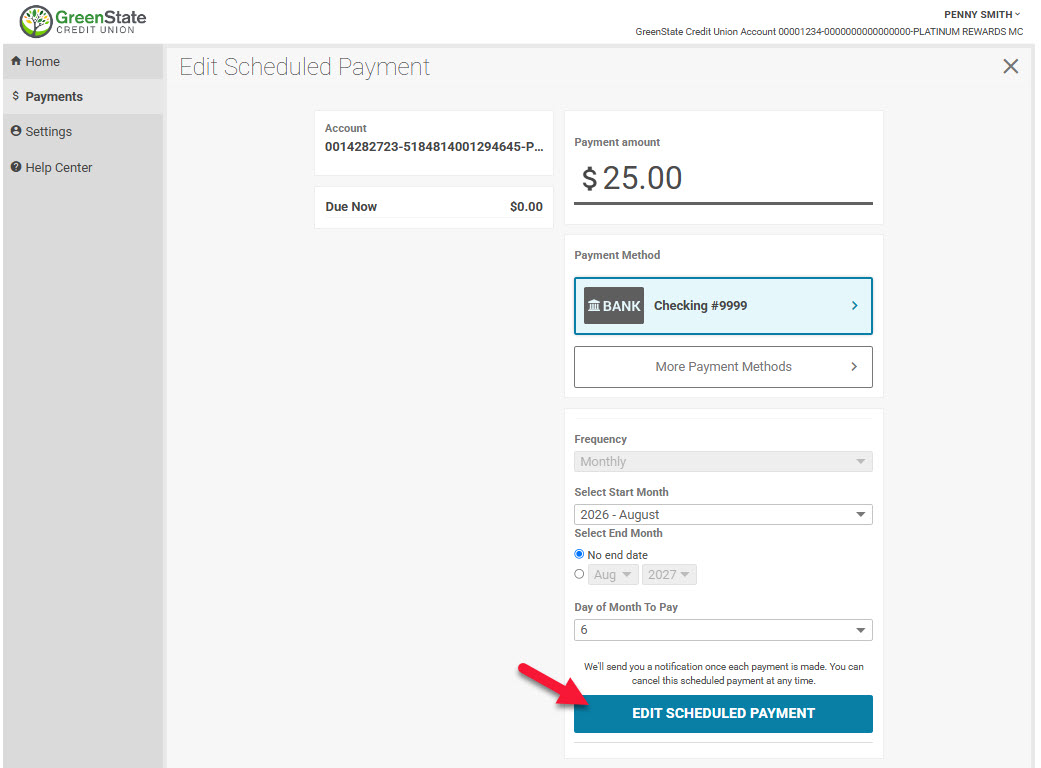
7. Your payment is now adjusted.
Pages within